
April 21, 2026
.png)
There's a room in almost every college, university, or community venue that nobody really talks about until something goes wrong. The projector flickers mid-presentation. The mic cuts out. The speaker on the far side sounds like it's underwater. And then everyone quietly agrees: we should probably fix that. Someday.
For the dining room at International House — a University of Queensland residential college in St Lucia — someday finally arrived. And then, right before delivery, the whole project got turned on its head.
The problem nobody wanted to name
The existing system had been in place for years. Built around an aging timber lectern, residential-grade equipment, and an older Mitsubishi projector — a brand that exited the Australian market, leaving reliability and serviceability genuinely unknown.
Audio coverage was inconsistent across the room, particularly where the ceiling changed height. Sound worked well if you were in the right spot. If you weren't, you just dealt with it.
The real cost of working around bad AV isn't the equipment. It's the confidence that drains from every presenter who has to apologise for the tech before they've said a word.
We designed a system to fix all of it. Displays above the servery. Front-of-house speakers in the high ceiling area. Fill speakers under the low ceiling. A wall-mounted rack at accessible height. Clean, logical, done.
And then, just before delivery, the client changed the orientation of the room.
Then everything got turned around
Not metaphorically. The room literally got turned 180 degrees.
The front of house moved from the high ceiling area to the low ceiling area. The lectern now sits under the lower roof. The displays, originally planned to mount above the servery, moved to either side of it instead. The audio system — speakers, zones, coverage design — had to be completely rethought.
This is the part most case studies skip. Projects change. Clients change their minds. The job isn't just designing a perfect system on paper — it's adapting when the room doesn't match the plan anymore.
There's an honest trade-off in the final layout worth naming: because the lectern is now in the low ceiling section and the displays are on the servery wall behind the audience, anyone presenting from the lectern who wants to show something on screen is asking their audience to turn around to see it. We advised against this arrangement — but it's what the client wanted, and the system was built to support it.
That's AV integration in the real world. You give your best recommendation, and then you build whatever the client actually needs — and make sure it works properly either way.
What we actually delivered
The brief was still the same at its core: reliability, usability, and consistent coverage. The layout just changed how we got there.
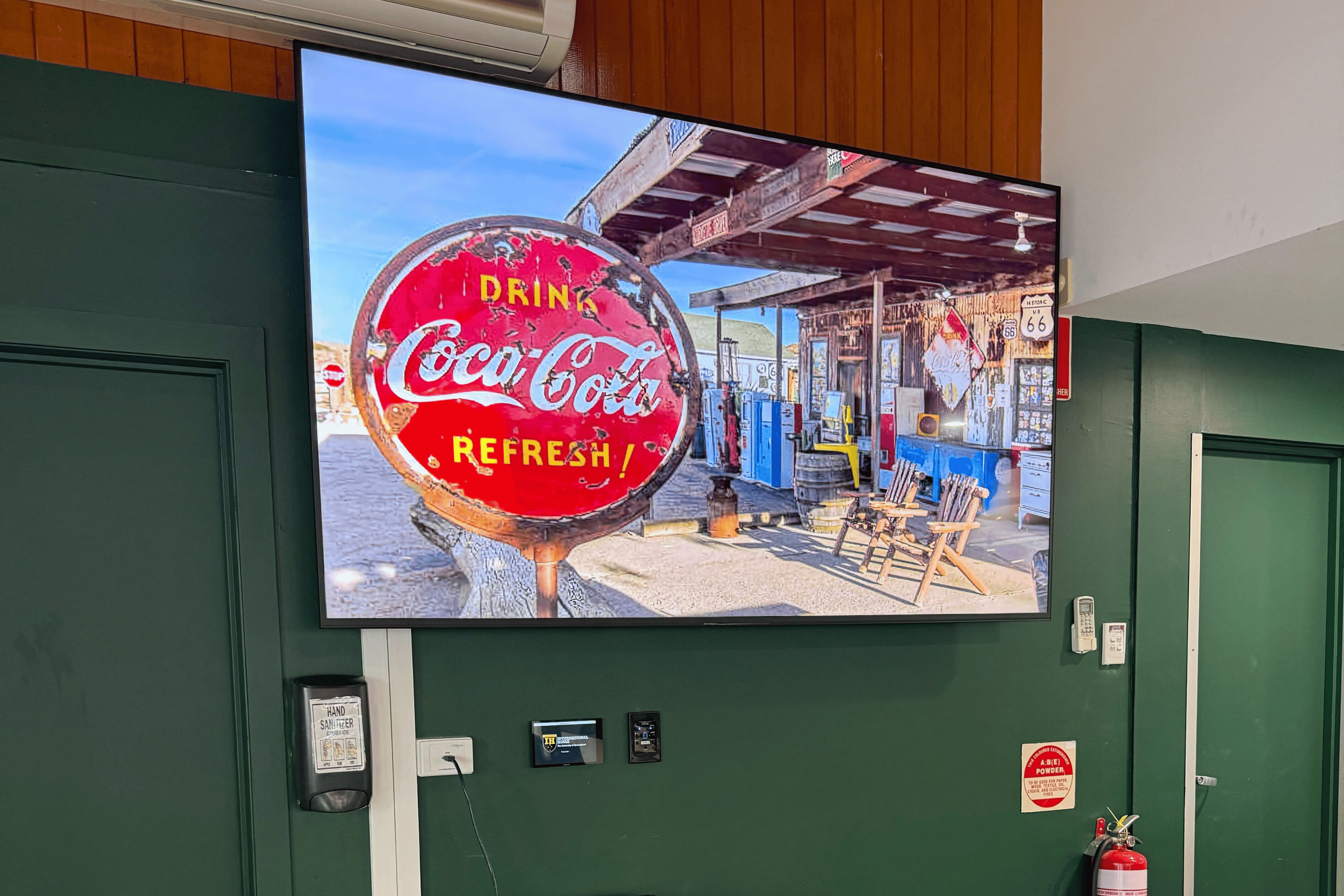
- Two 85" Sony displays mounted either side of the kitchen servery — replacing the projector entirely. No bulb, no warm-up, no visibility issues.
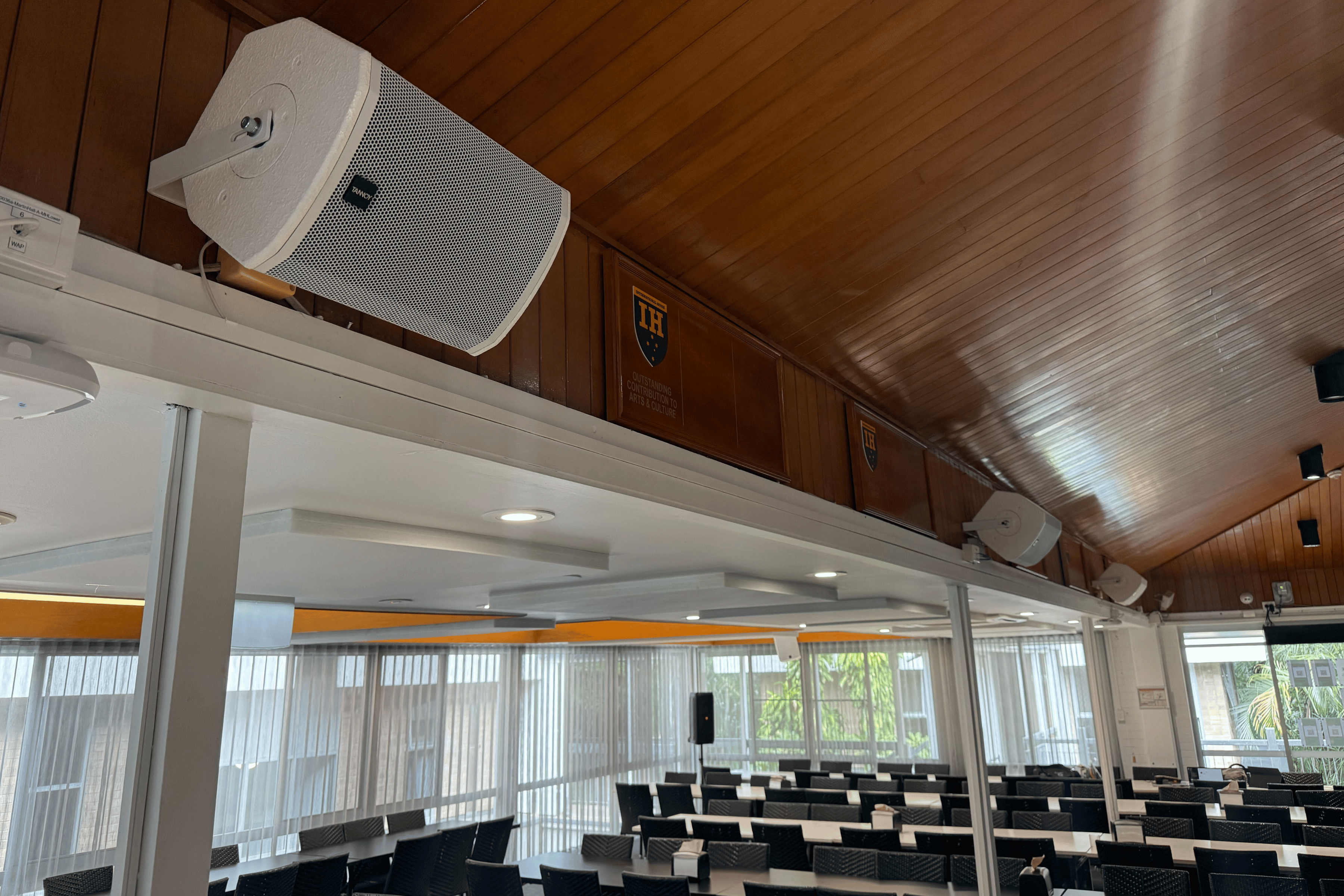
- Five-speaker audio system — two front-of-house speakers (left and right) in the low ceiling area where the lectern and audience sit, plus three fill speakers in the high ceiling section to cover the larger space beyond.
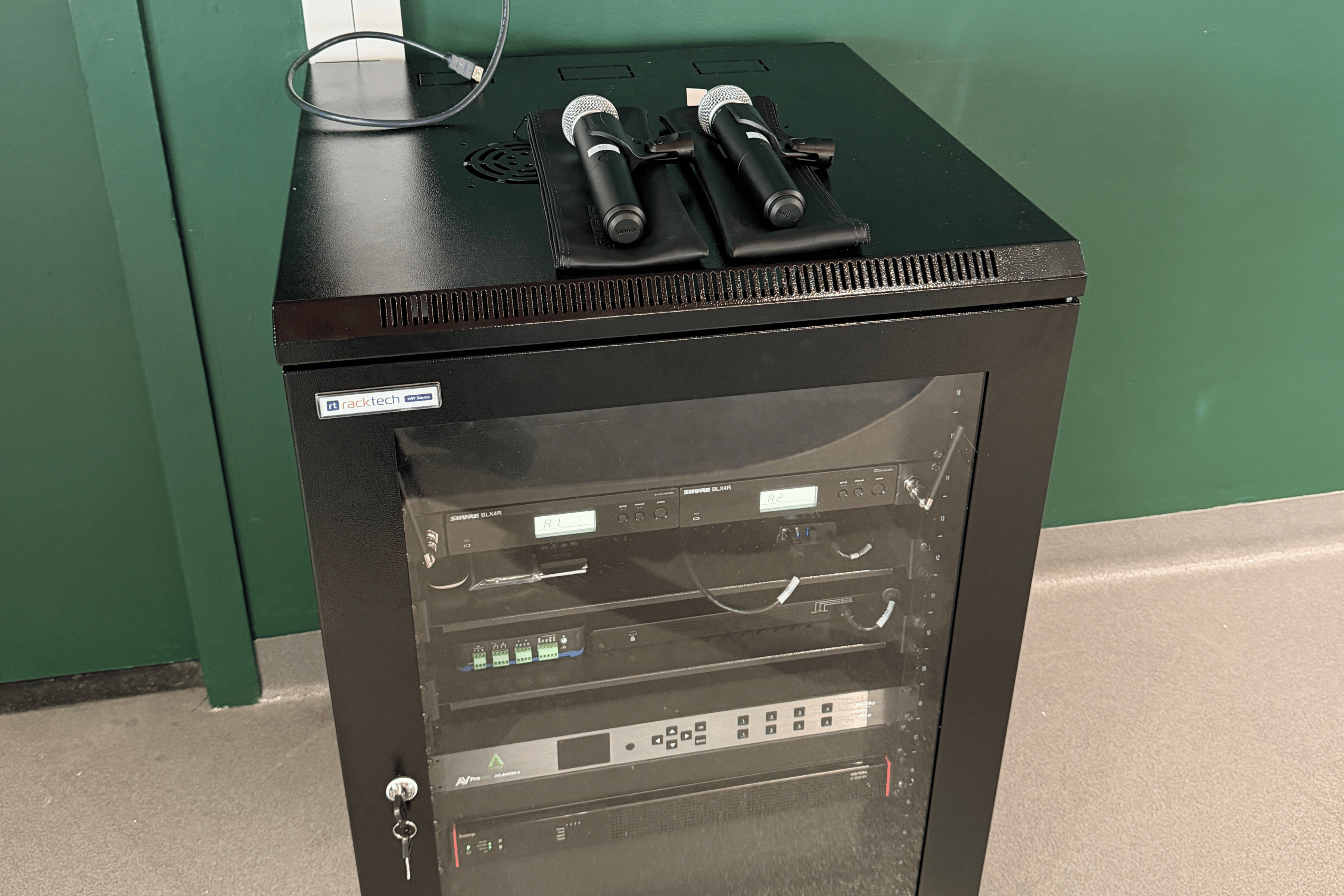
- Two wireless microphones — untethered from the lectern. Present from anywhere in the room.
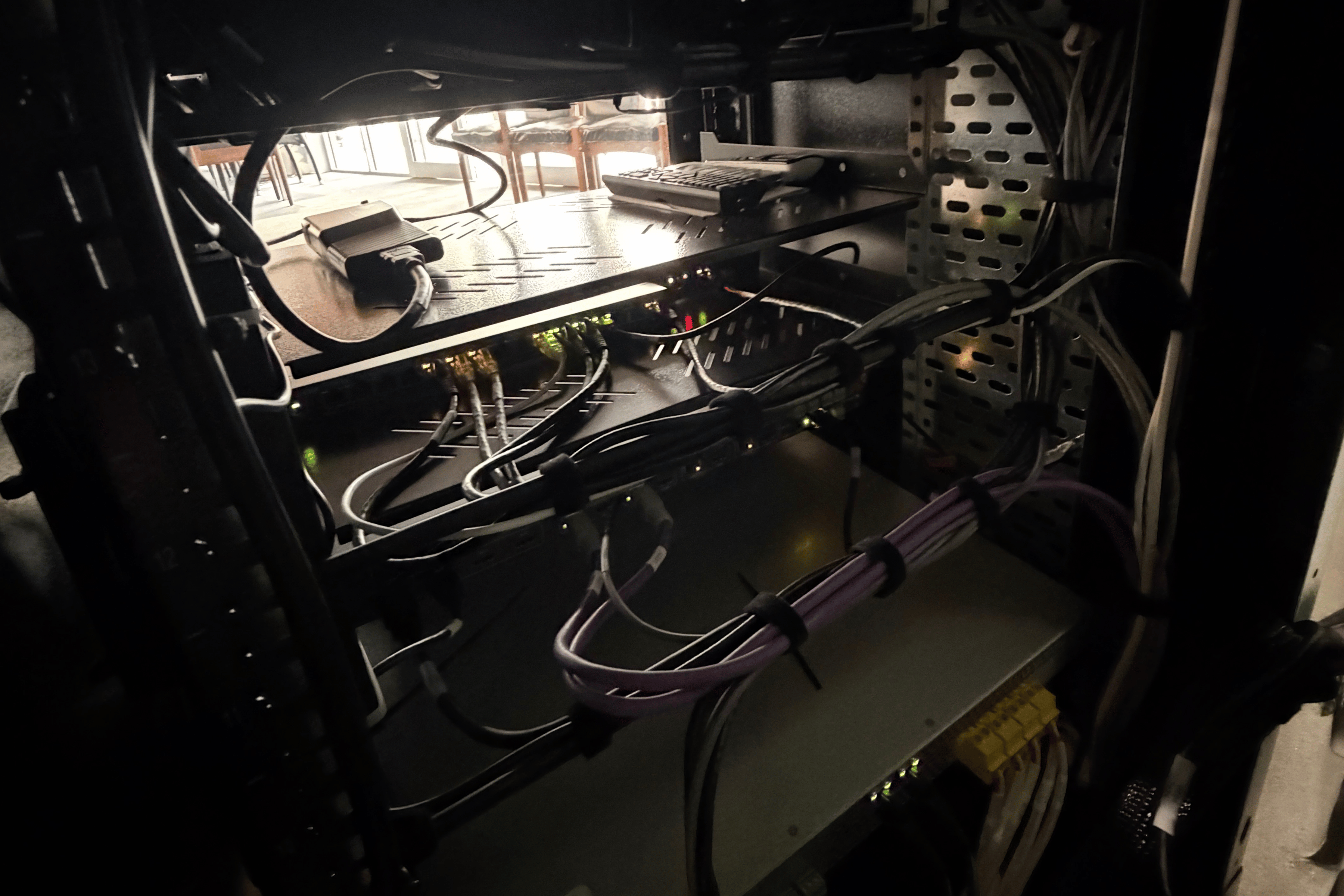
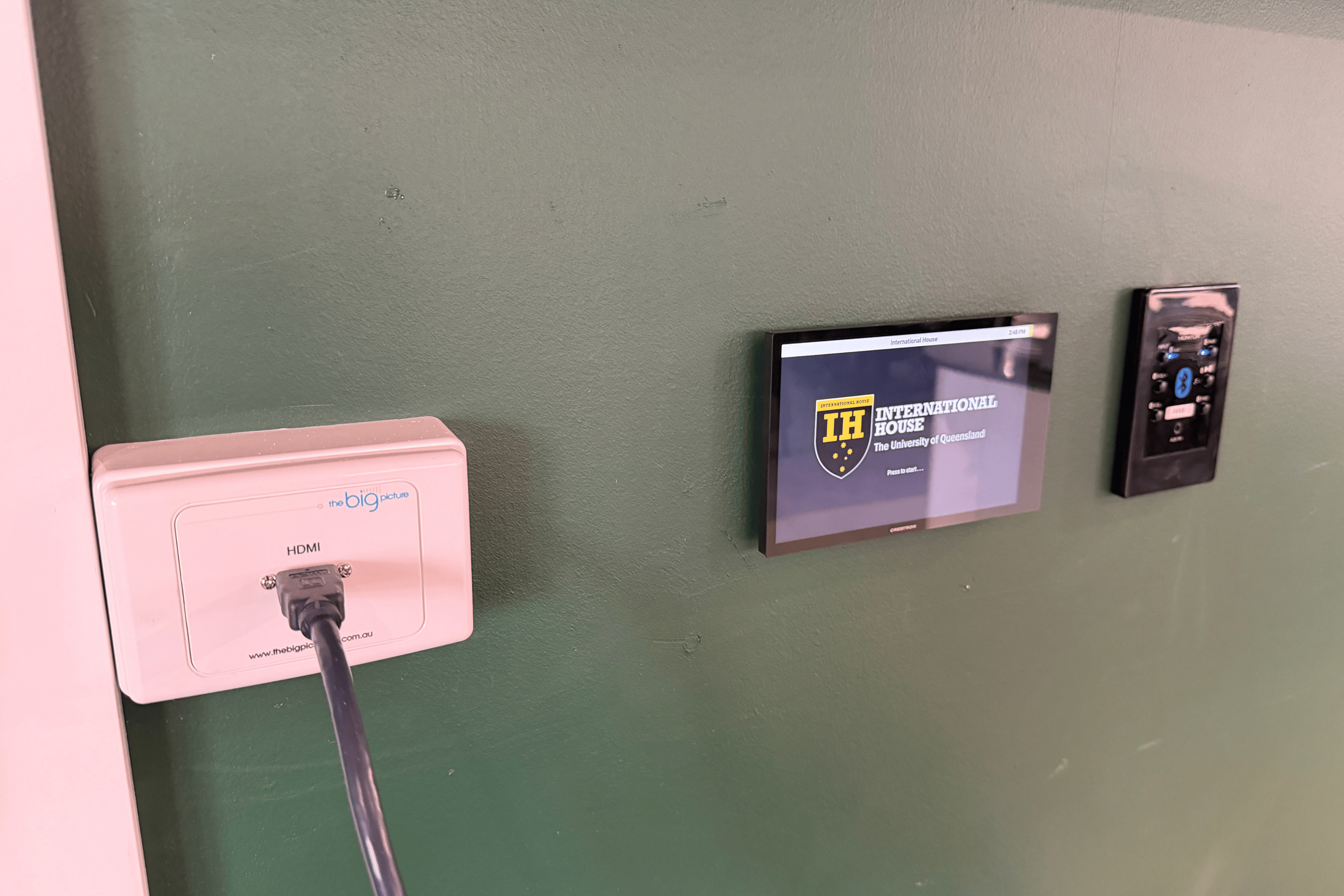
- Touch control panel and Bluetooth wall plate mounted above the equipment rack. Power, source, volume. Anyone can use it without reading a manual.
- 4×4 HDBaseT matrix switcher — any source to any display, expandable to four screens in future without ripping everything out.
- Floor-standing equipment rack — housing all AV gear, with the touch panel mounted directly above for easy access.
2
85" Sony displays replacing a single aging projector
5
Speakers across two ceiling zones for full coverage
3
Functions on the touch panel. That's intentional.
Why the touch panel only has three functions
Most AV panels are built around what the equipment can do. This one was built around what the staff actually need.
Power. Source selection. Volume. That's it. And that's entirely on purpose.
Every time a client asks "can we add just one more button?", there's a real cost — extra programming rounds, more commissioning time, more edge cases for staff to stumble into. In this project, a second round of programming would have nearly doubled the cost of the control interface alone.
- "Can we link the existing TVs in?" — Older displays often create control headaches. If wiring them to the panel adds labour without improving reliability, it's usually not worth it.
- "Can we stage audio now and video later?" — Adding to an installed rack on-site nearly doubles the handling time. One good installation beats two half-ones every time.
The 30-second button test
Before any feature gets a button on the main screen, we run it through this:
The dining room panel passed this test with three buttons. That's what keeps the room calm, staff confident, and support tickets low.
Quick answers
What happens when a project changes direction right before delivery?
You adapt. The core principles — reliable gear, simple control, even coverage — stay the same. The layout, speaker placement, and mounting all flex to suit the room as it's actually being used. That's what a good integrator does.
What should a dining room touch panel control?
Power, source, volume. Anything else needs a strong reason — because staff will press it at the worst possible moment.
Can we include existing TVs in the presentation system?
Sometimes. But older displays can be a control headache. If integrating them adds labour without improving reliability, it's usually not worth it.
Can we do audio now and add video later?
You can — but staging often doubles handling time. If the goal is a stable, consistent room, doing it properly once is almost always the cheaper and calmer option.
How long does a system like this last?
Commercial-grade equipment like Sony professional displays and Crestron control systems is designed for years of daily use. Unlike residential gear, it's also serviceable — parts and support exist when you need them.
Your room should back people up — not hold them back
We build systems that give people the confidence to walk into a room and communicate their story — clearly, calmly, and without fighting the tech. Whether it's a dining hall address, a lecture, or a community event, the AV should disappear into the background so the message doesn't have to. Let's talk about your space.
Contact The Big Picture Group →


Most Recent Posts
.png)
Connect With Us
Ready to enhance your communication and storytelling? Discover our range of innovative technology solutions. Let's connect and take your experience to the next level